What you'll build
You'll build a multi-page "Client Website Health Portal" for your agency, with two kinds of users and data kept separate per client company.
What you'll build
- Email and password login with two roles: agency admin and client user
- Admin pages for companies, websites and client users
- A client dashboard with a Run health check button that stores performance, SEO, accessibility and best-practices scores
- A score history chart, the top 5 fixes, and a brand assets page for uploads
What you need
- A Votel account
- A free Google PageSpeed Insights API key
- An hour, with time to read approval cards
- Tutorial 1 done first (recommended)
Get a Google PageSpeed API key
Get your own key before you start. Google's shared keyless quota ran out during our test, so every health check failed until a key was added.
In Google Cloud Console, go to APIs and Services, then Credentials, then Create credentials, then API key, for the PageSpeed Insights API. The free key allows 25,000 checks a day. Keep it somewhere safe. You'll paste it into a secure form in step 4.
Open Web Apps and paste the prompt
Click Websites, open Web Apps, click New web app, then paste this prompt and press Enter. Numbered requirements, then clear stop points.
Build a multi-page web app called 'Client Website Health Portal' for a marketing agency. Requirements: 1) Login with email + password and two roles: agency admin and client user. Each client company sees ONLY its own data (per-company isolation). 2) Admin pages: list client companies, add a company, add its websites, invite client users. 3) Client dashboard: their websites, each with a 'Run health check' button. A server function calls the Google PageSpeed Insights API for mobile, using my own API key (ask me for it in the secure key form, and confirm the deployed function sends it), and stores performance, SEO, accessibility and best-practices scores with a timestamp. 4) Website detail page with a line chart of score history and a table of the top 5 audit opportunities from the latest run. 5) Brand assets page where clients upload logos and images (PNG, JPG, SVG, PDF up to 10 MB), visible to their company and the agency only. 6) When a health check finishes, queue a short summary to the company's contact email. 7) Polished UI: sidebar navigation, purple accent, mobile friendly, empty and loading states. Build and test everything you can in the preview. Do NOT publish, do NOT send any email, and do NOT create users or records outside the preview without asking me first: stop and ask at each approval. At the end, list every requirement you could not meet and why.
Approve the backend
This app needs logins, tables and file storage, so the assistant asks before it sets up the backend. Read the fee line, then approve.
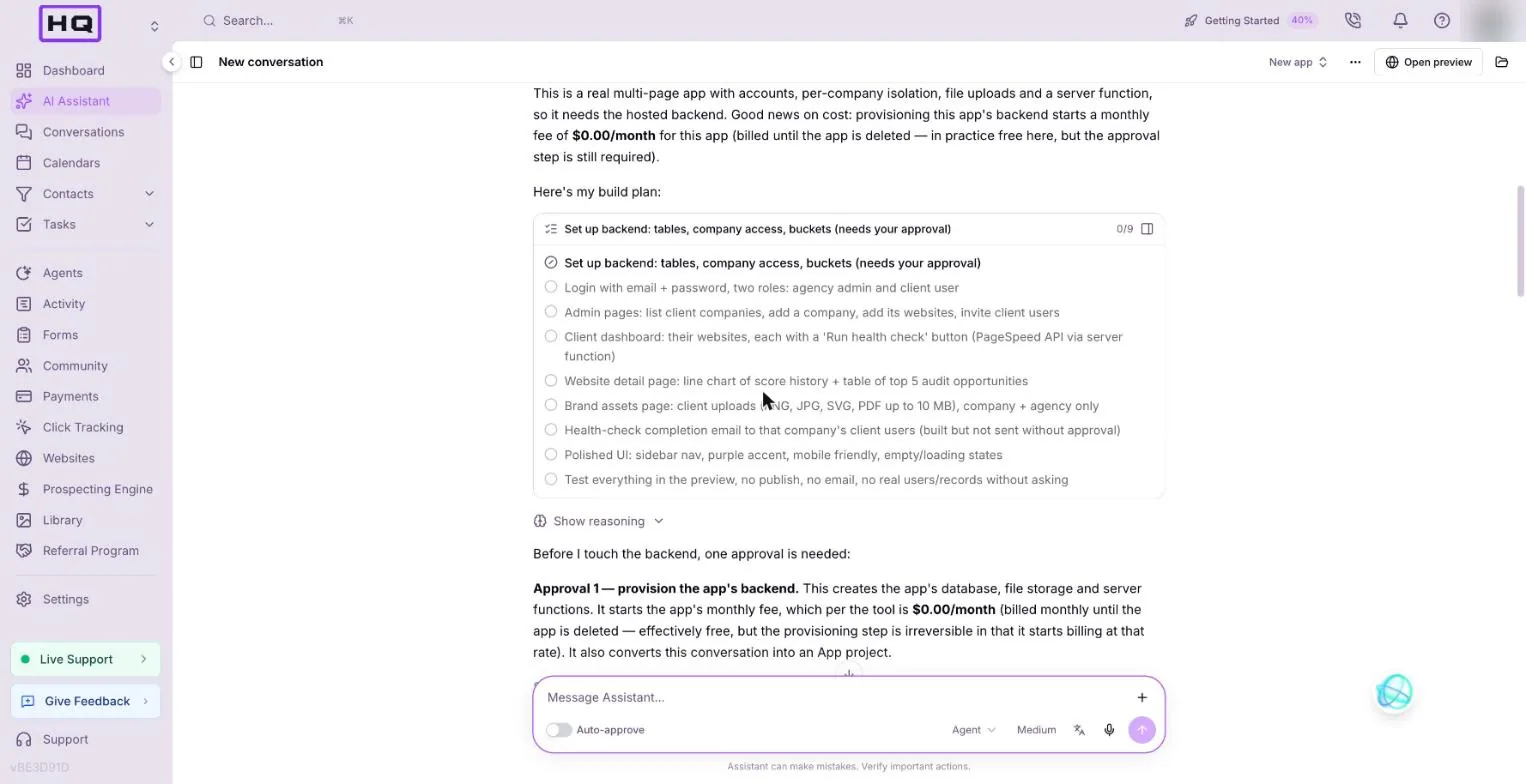
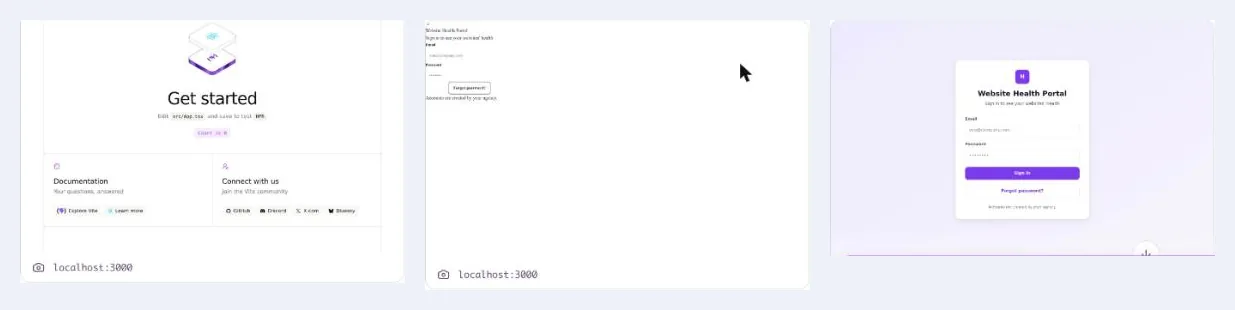
In our run that one approval set up 5 tables and a file bucket. Then it built every page, checked its own screenshots and fixed its own bugs: a missing Tailwind plugin, a server function calling a route that didn't exist, and code written against the wrong column names.
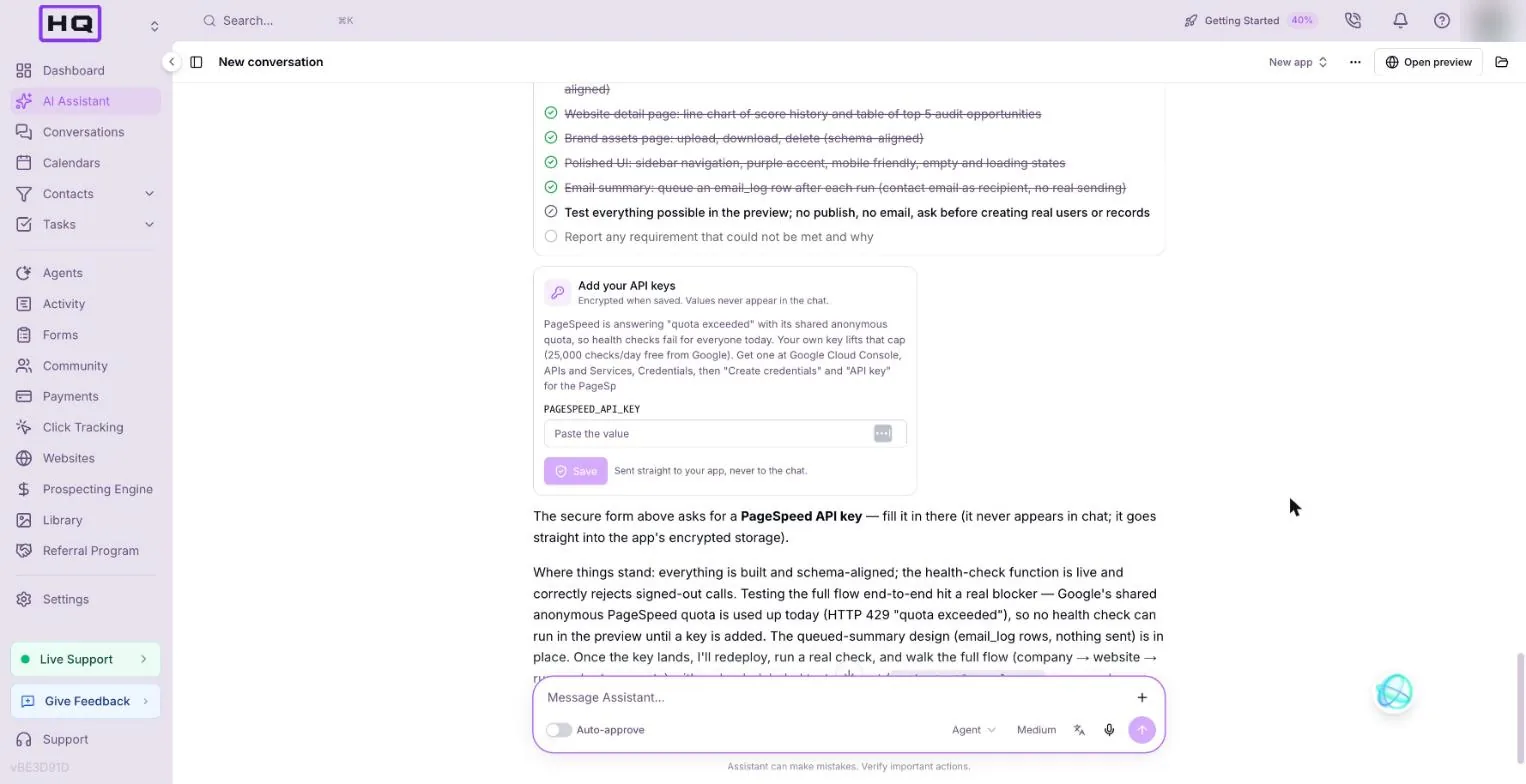
Paste your PageSpeed key into the secure form
When the assistant needs your key, it shows an Add your API keys form in the chat. Paste the key there and click Save. The value is encrypted and goes straight to the app.
Health checks still fail after I saved PAGESPEED_API_KEY. Check that the run-health-check function sends the key to Google, redeploy it, confirm the deployed version is the new one, then run one check and show me the scores.
Test it yourself
Test as the agency admin in the preview. Creating real client users is a separate approval, so leave it until you're ready.
| Check | Do this | You should see |
|---|---|---|
| Sign-in page | Open the preview | Email and password fields, and a Forgot password link |
| Admin pages | Add a company and one website | Both listed in the admin pages |
| Health check | Click Run health check | Four scores saved with a timestamp |
| Score history | Open the website detail page | A line chart and the top 5 audit opportunities |
| Uploads | Upload a PNG on the brand assets page | The file listed, with download and delete |
| Gap report | Read the assistant's last message | Every requirement it couldn't meet, and why |
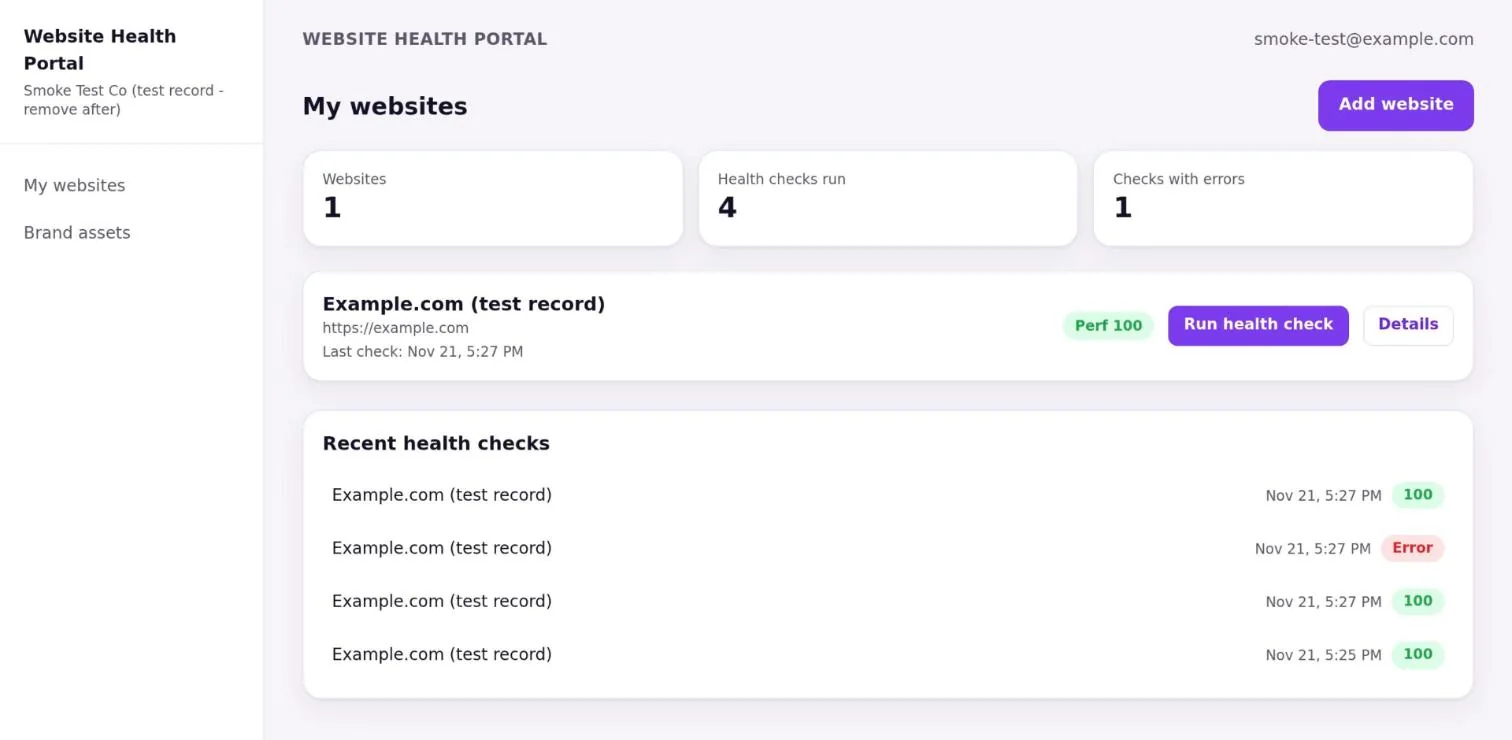
The website detail page: a line chart of score history and a table of the top 5 audit opportunities. The page was built and our test website had 3 runs, but we haven't pictured it yet.
The brand assets page with a file listed. A test PNG uploaded fine in our run, but we haven't pictured the page yet.
Limits it hit
The portal mostly worked first time. Two requirements ran into platform limits, which is why the prompt now asks for a gap report.
| Requirement | What happened | What to do |
|---|---|---|
| Health checks with no key | Google's shared keyless quota was used up (HTTP 429) | Use your own free PageSpeed key, 25,000 checks a day |
| Email every client user after a check | Server code can't list a company's users | Queue a summary to the company's contact email |
| Per-company isolation | 17 of 18 checks passed. The last needs real client users | Test with one real client user before you go live |
| Using the saved key | The first deployed function never sent the key, so checks kept failing | Ask it to confirm the deployed function uses the key, then run one check |
Publish, share and tweak
Publish once the health check, chart and uploads all work. Type "Publish this app." and read the card. Then connect your own domain so clients see your brand.
- Connect this app to portal.mydomain.com.
- Add my agency logo to the sidebar and the sign-in page.
- Add a desktop score next to the mobile score on each health check.
Troubleshooting
Bigger apps hit more snags. These are the ones we saw.
| You see | Why | Fix |
|---|---|---|
| Health check fails with "quota exceeded" | No API key, shared quota used up | Paste your PageSpeed key into the secure form |
| Still "quota exceeded" after adding the key | The deployed function doesn't send the key yet | Use the fix prompt in step 4 |
| An approval card to delete a function or table you didn't ask about | The assistant listed it as test cleanup by mistake | Deny it and ask why. Only approve deletes of test records |
| Unstyled pages | A missing Tailwind plugin | Ask: "The page is unstyled, fix the Tailwind setup" |
| A button does nothing | A server function calling a route that doesn't exist | Describe the button and what you expected |
| Blank preview or console errors | The preview server went to sleep | Ask: "Restart the preview" |
FAQ
Can each client only see their own data in a Votel app?
Yes. Votel apps support roles and per-company data isolation. In our portal test the assistant verified 17 of 18 isolation checks. The last one needs real client users, which we didn't create.
Why do I need my own PageSpeed API key?
Without a key, the app uses Google's shared keyless quota, which ran out during our test (HTTP 429, quota exceeded). Your own free key from Google allows 25,000 checks a day.
Can the portal email clients after each health check?
Not to every client user. Server code can't list a company's users, so the assistant queued a summary to the company's contact email instead. App email only goes to the app's own users, 200 recipients max, and needs approval.
What file types can clients upload?
Our prompt allowed PNG, JPG, SVG and PDF up to 10 MB. Votel apps take files up to 25 MB by default and 100 MB at most.
Try it in Votel
New to the builder? Do the ROI calculator first. It takes 15 minutes and teaches you the whole flow. Votel has a 14-day trial, then plans are $97 or $297 a month.
All Things Votel is an independent site, not operated by or affiliated with Votel.ai. Links to Votel are affiliate links. Built in a live account on November 21, 2026. Labels may change.